Home › All guides › Storage Tips
Storage TipsApp Caches: What They Are and How to Clear Them
Understanding app caches, why they grow, and safe ways to reclaim space from temporary files.
Storage Swipe Team
Updated Mar 14, 2026 · 5 min read
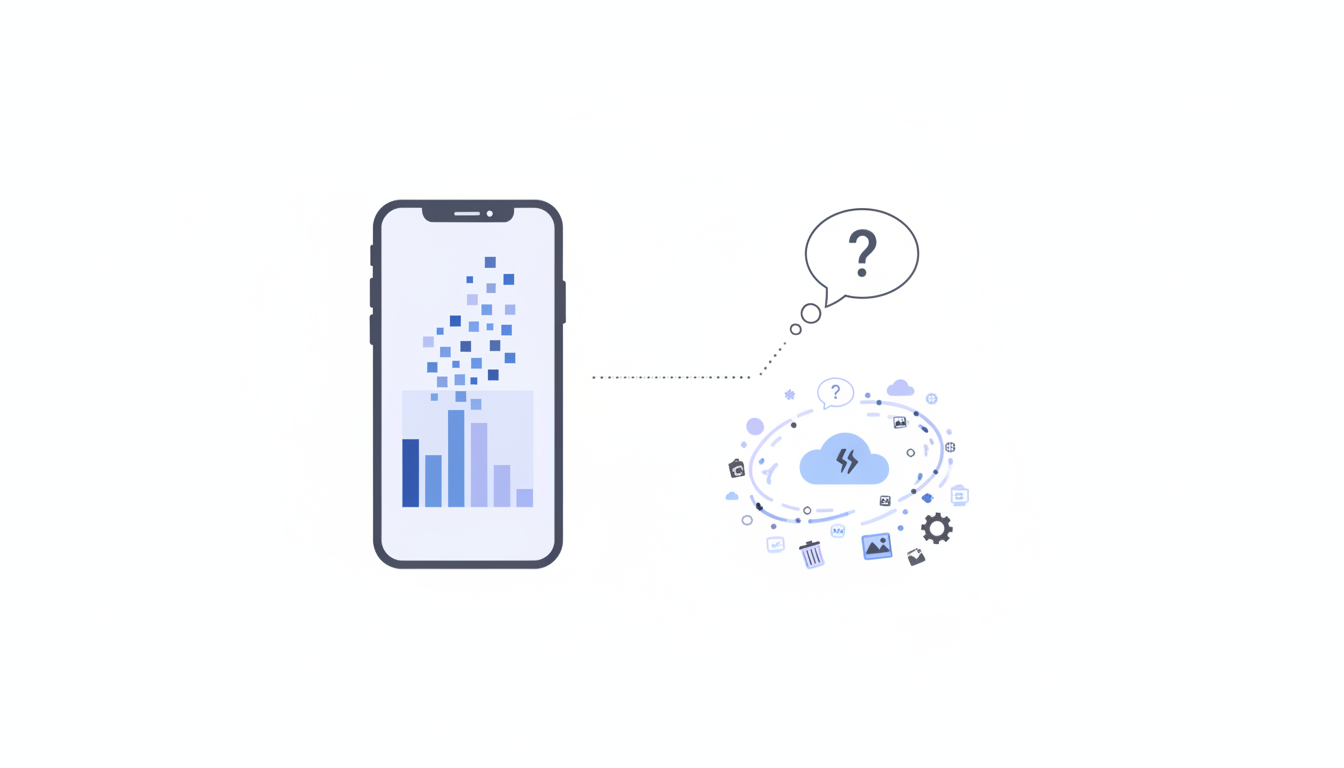
App caches are temporary files that apps create to improve performance. While useful, they can grow to gigabytes in size, especially for social media, streaming, and messaging apps. Understanding caches helps you reclaim space safely.
What are app caches and why they exist
Caches serve important purposes but need regular cleanup:
- ✓ Temporary storage of frequently accessed data for faster loading
- ✓ Downloaded content like music, videos, and images for offline access
- ✓ Preloaded content to reduce data usage and improve experience
- ✓ App state and session data for quick resume
- ✓ Over time, these accumulate far beyond what's actually needed

Put these tips into action
Free · App Store
Biggest cache offenders
Some apps are notorious for excessive cache growth:
Social Media Apps
Instagram, TikTok, Twitter/X can easily reach 2-5 GB each. They cache every image and video you scroll past, even if you never look at them again.
Streaming Services
Spotify, Apple Music, Netflix cache content for offline use. Downloads you forgot about can sit there consuming gigabytes.
Messaging Apps
WhatsApp, Telegram, iMessage accumulate photos, videos, voice notes, and GIFs from every conversation.
Browsers
Safari, Chrome cache website data, images, and downloaded files that pile up over time.
How to safely clear caches
Different approaches for different needs:
- ✓ Settings › General › iPhone Storage shows app-by-app storage breakdown
- ✓ Individual apps often have cache clearing in their settings
- ✓ Offloading apps removes the app but keeps documents and data
- ✓ Deleting and reinstalling completely clears everything (but loses data)
- ✓ StorageSwipe's smart cleanup identifies safe-to-delete cached files
- ✓ Regular cleanup prevents caches from growing out of control
Conclusion
App caches are necessary but shouldn't be allowed to consume gigabytes indefinitely. Regular cleanup, especially for your most-used apps, can free significant space without impacting your experience.
Put these tips into action
Storage Swipe does the heavy lifting — duplicates, screenshots and Live Photos, cleaned in minutes.
Download on theApp StoreMore guides
Why your iPhone says "Storage Almost Full"
Understanding what fills up your iPhone and how to quickly free up space without losing im...
5 min readLive Photos: Beautiful but Space-Hungry
Learn why Live Photos take up so much space and how to compress them without losing qualit...
5 min readThe Hidden Cost of Duplicate Photos
Discover how duplicate and similar photos silently waste gigabytes of storage and how to f...
5 min read